Appearance
Settings Window
The settings windows contains basic settings to customize the experience of the ImageFlow app.
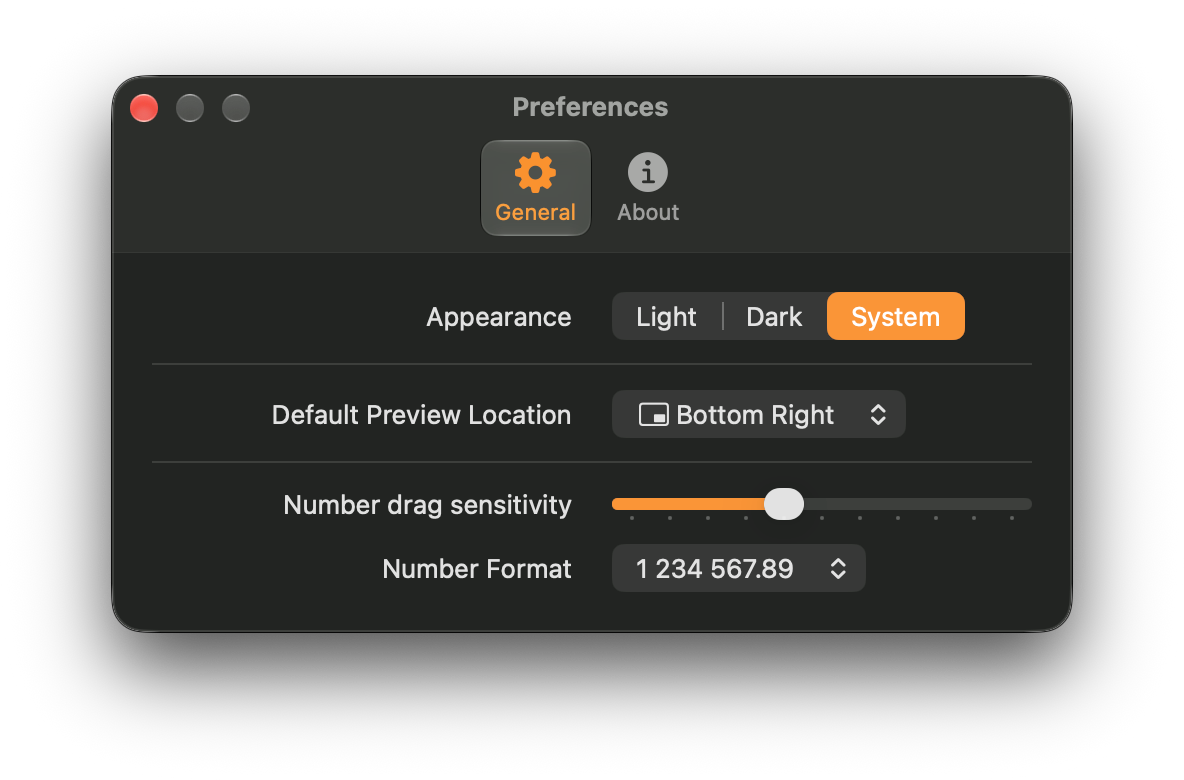
Here is a breakdown of the available items:
- Appearance: Configures the look of the app. You can choose the Dark mode, Light mode, or match your system's appearance.
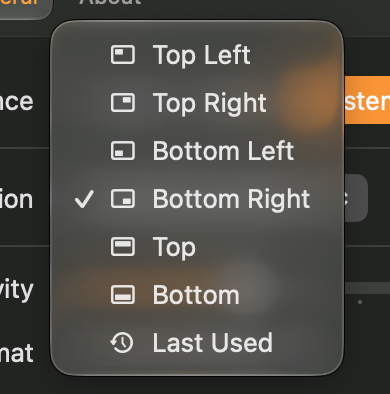
- Default Preview Location: Configures the default location of image Previews. Options are: Top Left, Top Right, Bottom Left or Bottom Right for floating previews, or Top or Bottom for docked previews. Remember Last will remember the last preview position you used and use that as the default.
- Number Drag Sensitivity: Allows you to fine-tune the sensitivity for dragging numerical values in numeric controls.
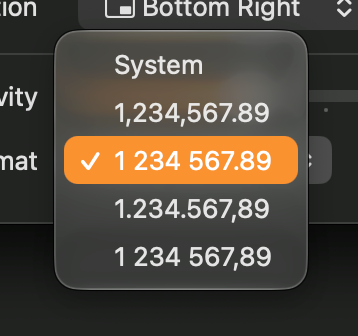
- Number Format: Configures the number formatting used throughout the application.