Appearance
Color
The Color node produces a Color value, representing a 4-channel color (red, green, blue, and alpha).
Bellow is a screenshot of the node and of its inspector panel. You can use either one to set the node's value.
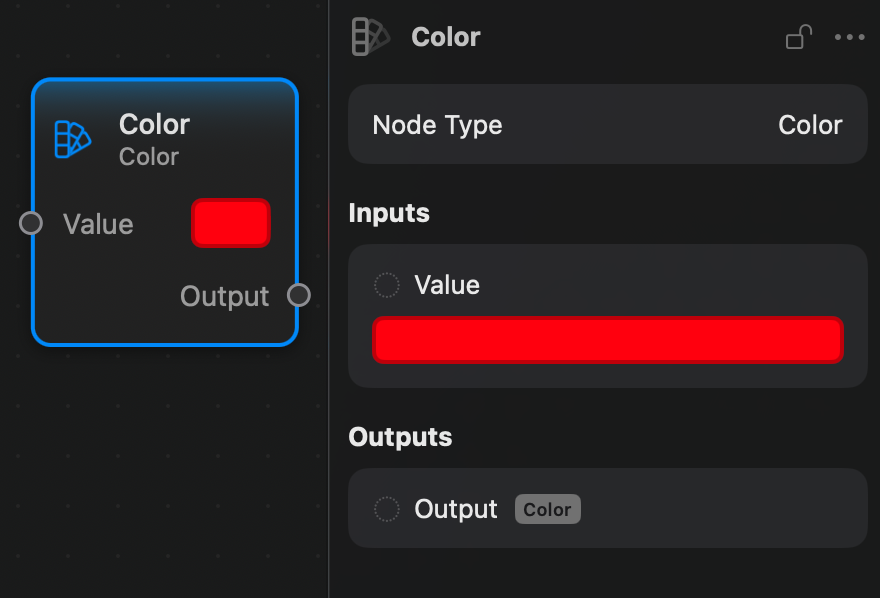
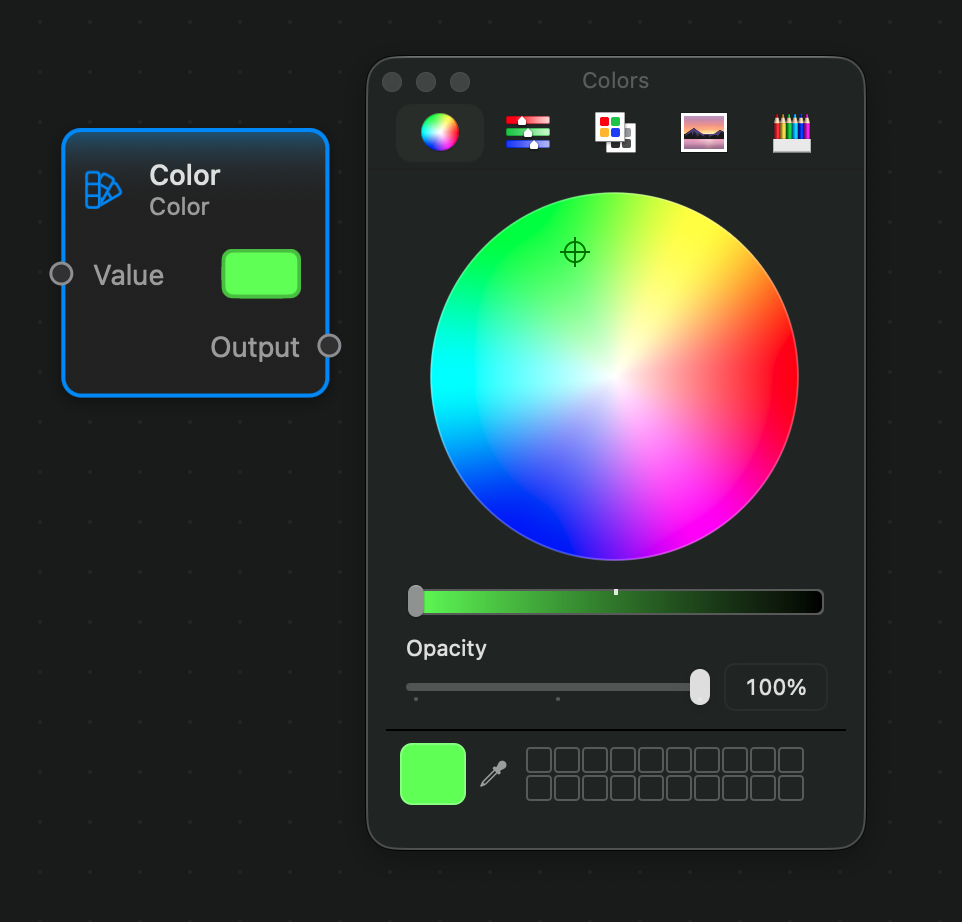
Clicking on the color area will open up the system's color picker which you can be used to change the selected color.
Inputs and Outputs
Inputs:
Value: a Color value.
Outputs:
Output: a Color value.