Appearance
Vibrance
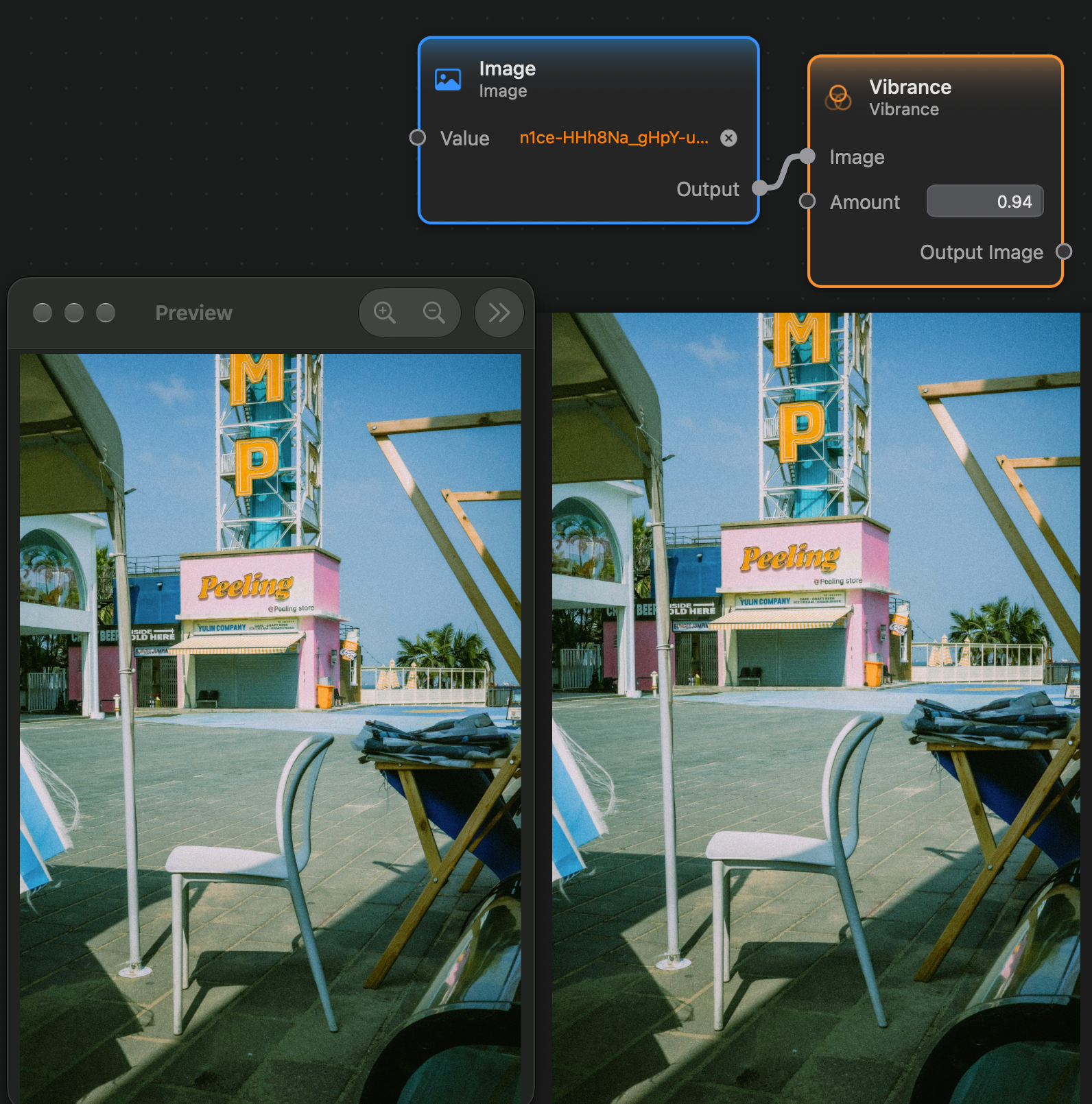
The Vibrance node applies a filter that increases the saturation of the input image while preserving the saturation of skin-toned colors.
Inputs and Outputs
Inputs:
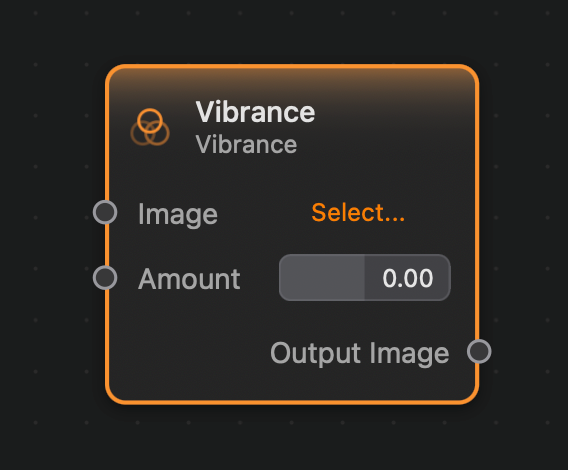
Image (Image): The input image.Amount (Float): The amount of vibrance adjustment to apply to the image.
Outputs:
Output (Image): The output image.
Example
Here is a small example of this node in action: