Appearance
Node Palette


The Node Palette is displayed on the left-sidebar of the app, and contains the list of all available ImageFlow nodes.
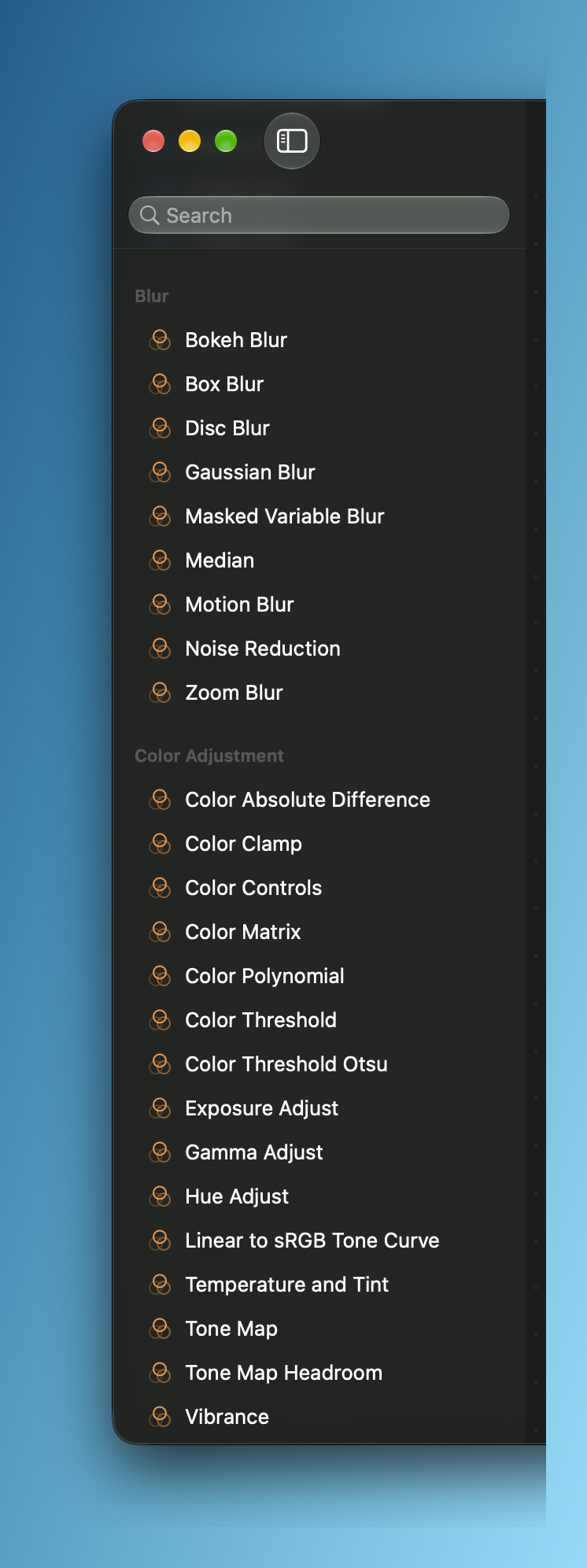
The nodes are grouped by category, and each group is collapsible.

There is a search field to filter the nodes by name:

To create a node you can drag an item from the palette and drop it in the canvas:
Or by double-clicking an item: