Appearance
Color Clamp
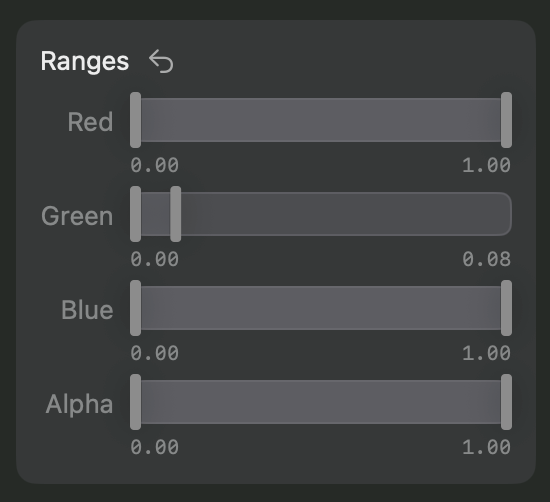
The Color Clamp Node limits the range of values each color channel of the image can assume.
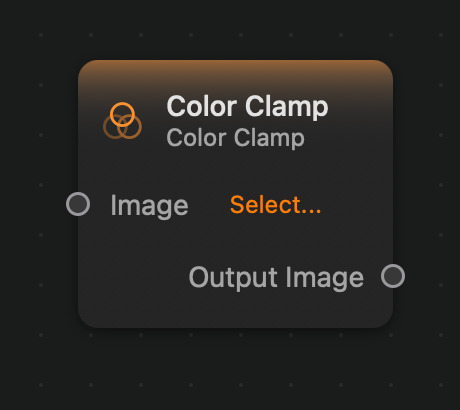
Since the controls for this node are somewhat complex, they are placed in the inspector panel instead of in the node view.
Inputs and Outputs
Inputs:
Image (Image): The input image.
Outputs:
Output (Image): The output image.
Example
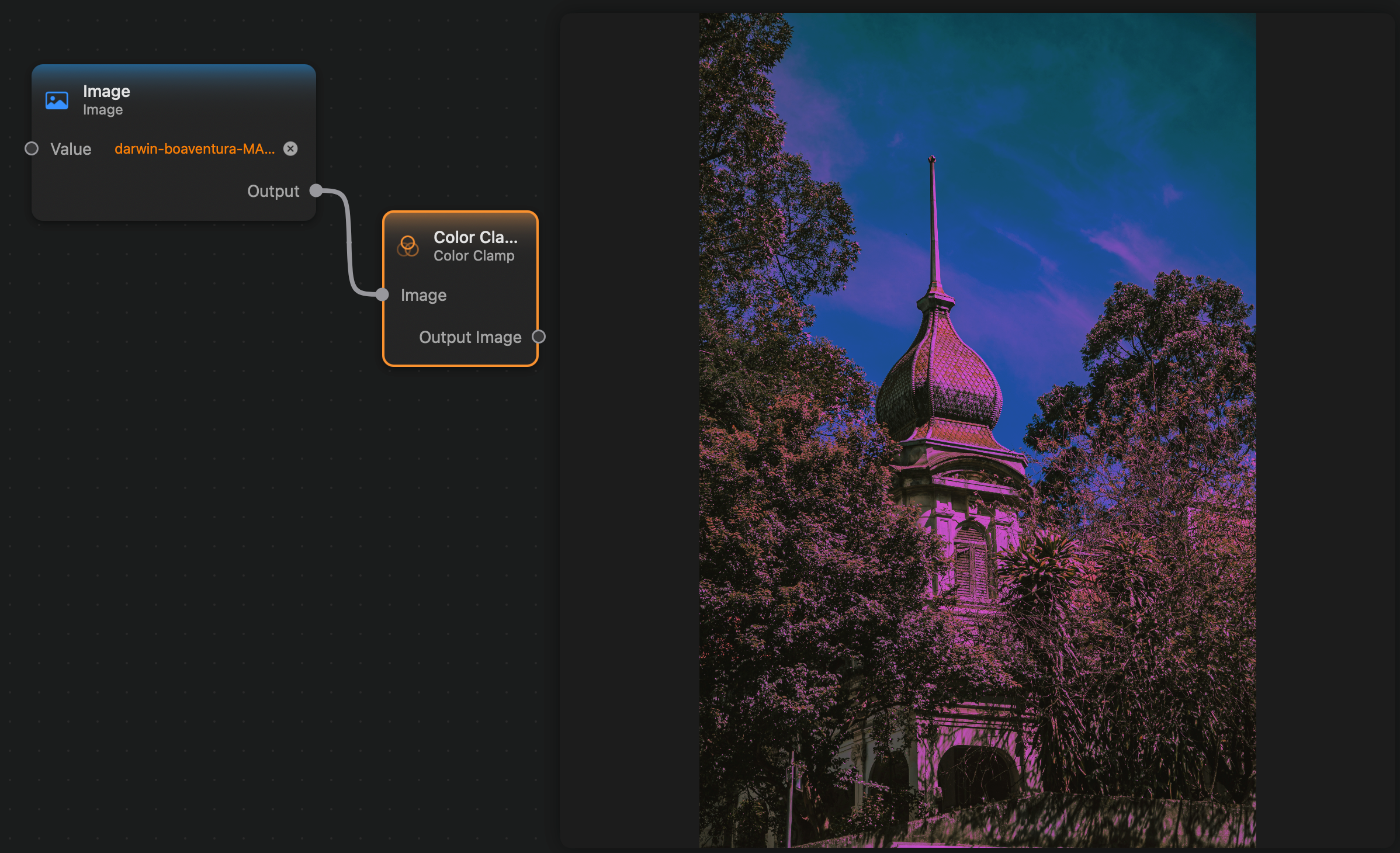
Here is a small example where we constrain the an image's green channel to have values between 0.0 and 0.08: